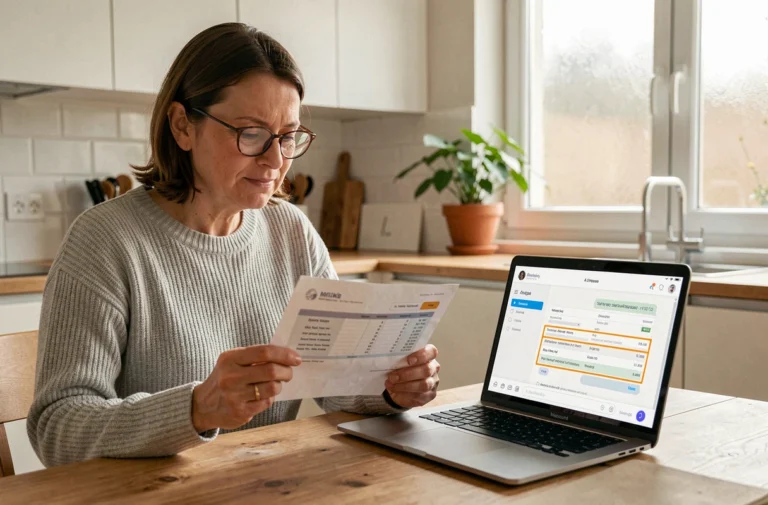
My Online Class, developed by CNED, provides access to educational pathways and a virtual classroom tool. The system is available in elementary school, middle school, and high school versions. To connect, an identifier like maclasse2023 is assigned by the school or the administration, often at the beginning of the school year. This guide details the practical functioning of the platform, common blocking points related to identifiers, and ways to make the most of it on a daily basis.
Identifiers maclasse2023: what the administration transmits and what to check
Access to My Online Class relies on a username/password pair. The maclasse2023 identifier is usually distributed on paper by the school’s administration, sometimes stuck in the child’s communication notebook.
Before the first connection, three specific points must be checked on the sheet provided:
- The identifier corresponds to the student’s profile (and not to that of the parent or teacher, as access differs according to the role assigned on the platform).
- The temporary password has not been confused with that of the school’s ENT. ENT identifiers and those of CNED are distinct, even if some academies offer an EduConnect portal that centralizes several services.
- The login page used is indeed that of CNED (and not an old expired link from the period of educational continuity), as several URLs have coexisted in recent years.
In case of password loss, the procedure goes through the administration or the main teacher, who can regenerate access. The platform does not offer email recovery for first-degree student accounts.
A complete guide explains how to use my online class with maclasse2023 step by step, including navigation within the interface once connected.
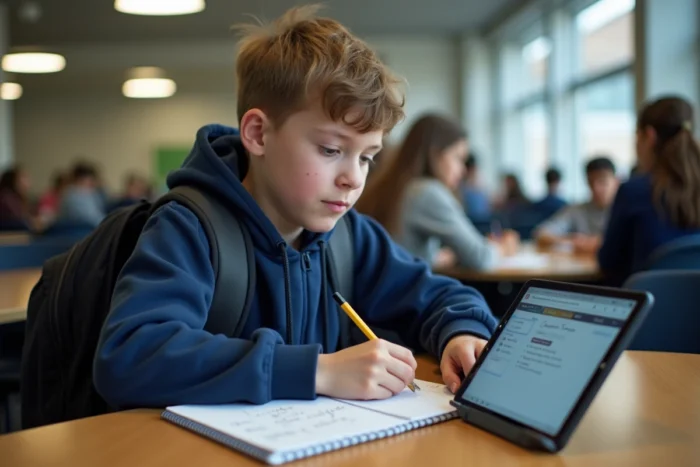
CNED Virtual Classroom: connection with or without a waiting room
The virtual classroom is the most used feature by teachers on My Online Class. Its operation varies depending on whether the teacher activates the waiting room or not.
Access without a waiting room
The teacher shares a student link. The child clicks on it and joins the session directly, without needing to create a CNED account. This setup is the simplest, but it does not allow the teacher to filter participants.
Access with a waiting room
The student must have an active CNED account to enter. The teacher validates each participant from their interface. This option adds a layer of security, especially to prevent intrusions that have been reported by several academies during the initial waves of massive usage.
The teacher must create their own teacher account with their professional email address before being able to generate a virtual classroom link. Without this step, no session can be launched.
Online educational pathways: what the platform actually contains
Beyond the virtual classroom, My Online Class offers structured educational sessions. These pathways are in line with the curricula and organized by level (elementary, middle, high school).
Each session follows an identical pattern: an online activity, a course block, application exercises, and then a summary with key concepts to remember. The pathways cover the main subjects, including modern languages with integrated audio resources.
Access to the pathways is free. The student progresses at their own pace, making the tool useful in cases of prolonged absence, illness, or educational adjustments. The teacher can direct the child to a specific session by indicating the module reference in the ENT’s homework diary.
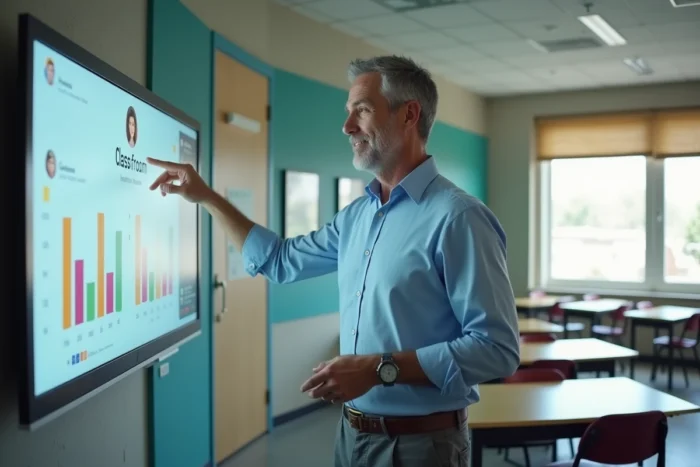
EduConnect and ENT: connection with My Online Class
The most common confusion among parents concerns the difference between EduConnect, the school’s ENT, and the CNED platform. Here’s what distinguishes them.
EduConnect is an authentication service from the Ministry of National Education. It allows access to several online services (school life, results, administrative procedures) with a single set of identifiers. The school’s ENT combines the homework diary, messaging, and resource pages specific to the school or college.
My Online Class from CNED operates with its own identifiers. Some academies have set up bridges so that EduConnect provides access to CNED without needing to reconnect, but this is not systematic. In practice, it is necessary to keep CNED identifiers separate until the institution has confirmed the existence of a unified access.
Preparing the child’s workstation to avoid technical issues
Technical difficulties are the primary reason for dropout during virtual classes. A few checks before the first session significantly reduce interruptions:
- Use a recent browser (outdated versions sometimes block the video conferencing module).
- Test the microphone and camera before the session, not during. The platform offers an audio test accessible from the virtual classroom homepage.
- Close other bandwidth-hungry tabs (video streaming, downloads) to stabilize the connection.
- On a tablet, check that the browser is allowed to access the microphone, as some systems block this permission by default.
A connection test five minutes before the session is enough to identify most problems. The teacher usually sends the virtual classroom link the day before or on the morning of the session via the ENT.
The platform My Online Class remains a complementary tool, not a substitute for classroom presence. Its value lies in regular use: a student who connects occasionally to review a missed concept benefits more than a student who discovers the interface on the day of a mandatory session. Keeping the maclasse2023 identifiers accessible in a fixed location, next to the communication notebook for example, avoids most connection blockages.